 Lvcha VPN


Release notes
What changed in version 2.6.6
What changes have occurred in game mode switching, mobile device compatibility, and node speed testing display?
Read article
What changes have occurred in game mode switching, mobile device compatibility, and node speed testing display?
Read article
The mobile phone shows the Wi-Fi icon, but the browser keeps cycling around. Taking the iPhone's hotel login page as an example, I checked the processes of connecting to the wireless network, obtaining internet access permissions, and connecting to the VPN separately.
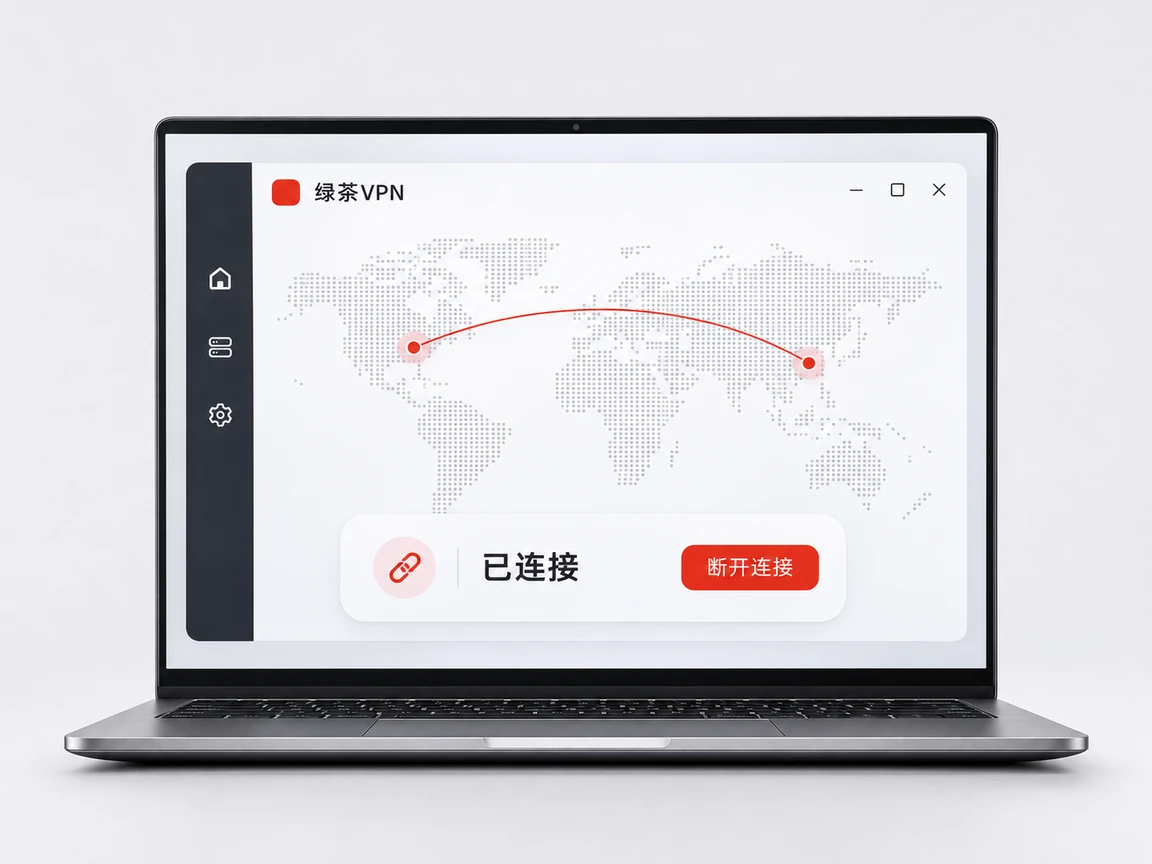
After clicking the download button, there is no icon on the desktop. By checking the browser’s logs, it’s usually possible to determine whether the file is still being transferred, has already been saved, or even if the download process didn’t even start at all.

Even though both computers run Ubuntu, they may require different installation packages. Before downloading the RUN file, it’s important to check the system version and architecture, so that you can decide the appropriate next step.
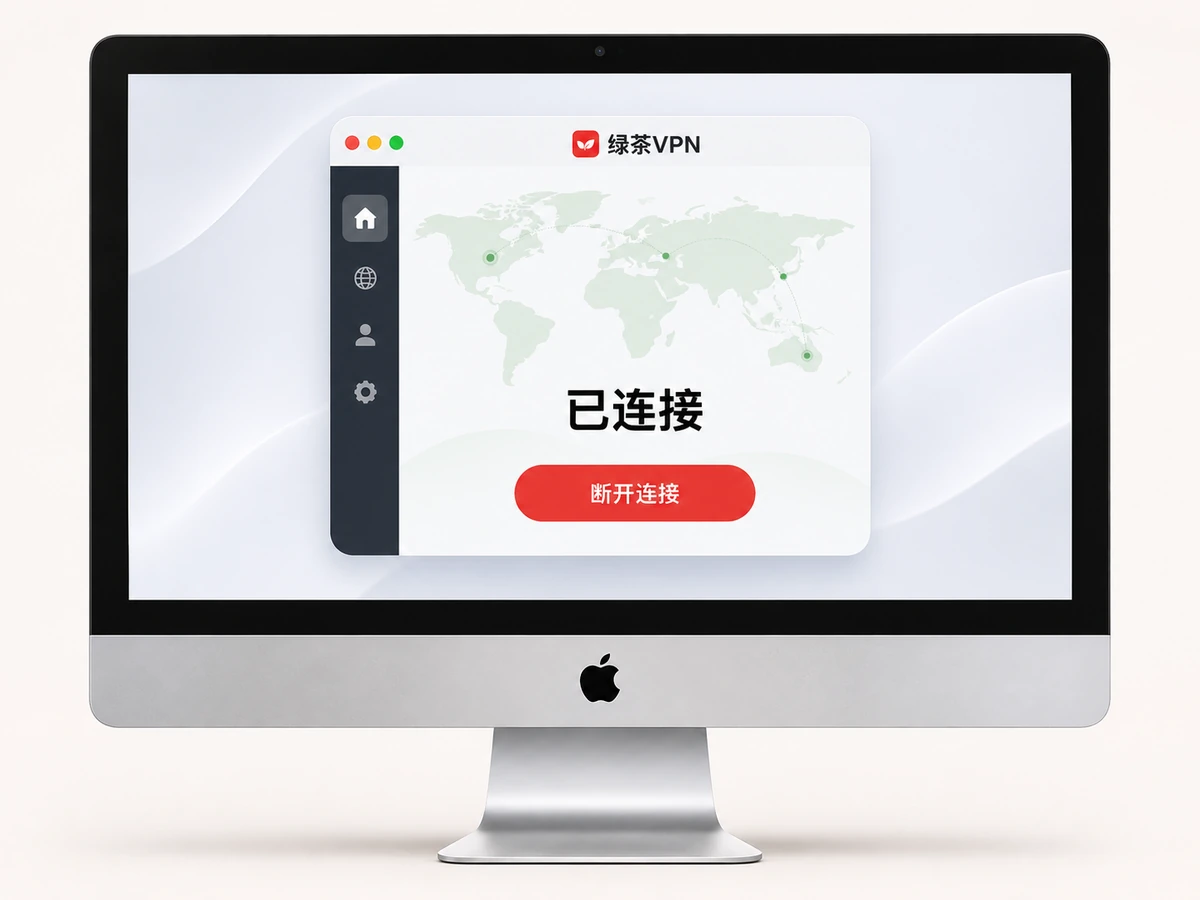
On the same computer, one browser can open web pages, while another browser shows a proxy connection refusal error. Keeping this difference in mind can help you narrow down the scope of the inspection.
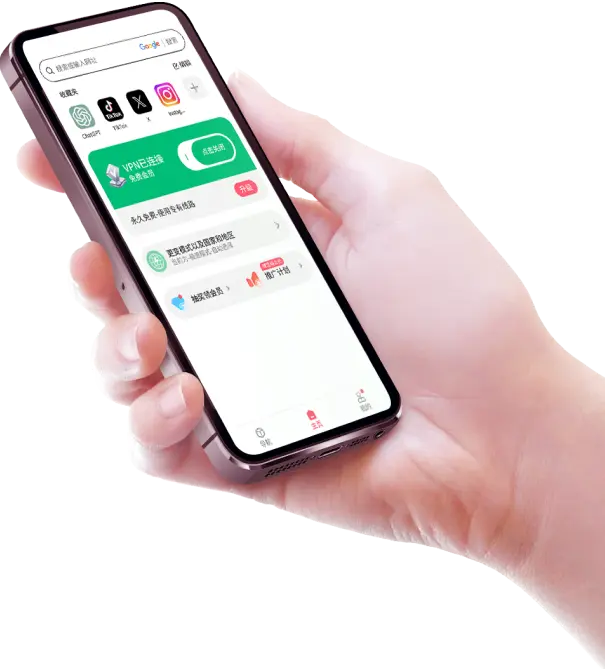
A useful feedback can help the person taking over the project know which device to use, what actions to take, and at which stage the results should be observed. This information can be clearly outlined during the first contact with the support team.
Does a page stop loading after you switch servers, or does your connection drop after your screen has been locked for a while? This update addresses both issues.

How to distinguish between local network issues and network congestion when the connection slows down in the evening.
Let's start with the example of opening a web page in a coffee shop. Let's see what roles encryption connections, external IP addresses, and website login processes play in this context.
Nodes with lower latency in the list may also experience buffering when playing videos. Combining a speed test with an actual access test makes it easier to select the appropriate connection.
This historical announcement records three changes, which concern file uploads, background waiting states, and crashes in certain mobile devices and TV boxes.
Starting from the first VPN authorization window that appears, check the system configuration and the local network section in turn. Identify the step where the connection stopped.