 Lvcha VPN

Lvcha VPN Download Center
 Lvcha VPN for Android
- The current APK requires Android 9 or later.
- Access over 2,000 servers across more than 70 countries.
- Access content across regions.
- Connect with stable speeds and no bandwidth cap.
- Encrypt data in transit to protect your connection.
- Mask your public IP address to protect your online privacy.
Version 1.6.257.15 MBAPK
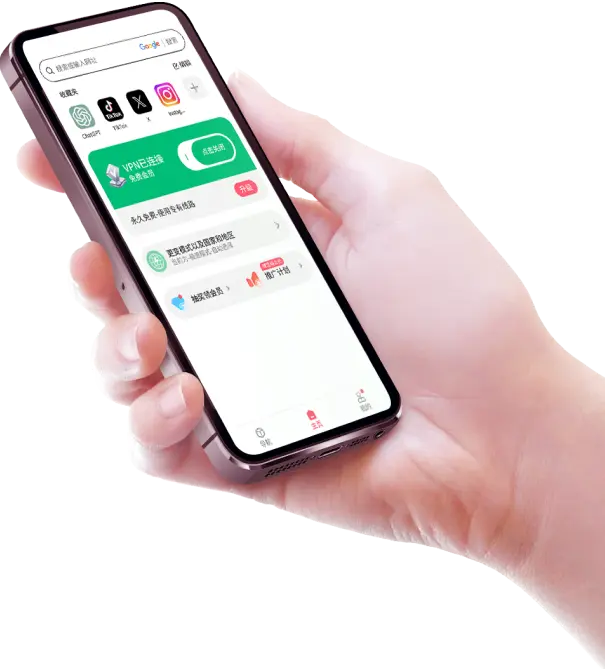
Install the Android client in three steps
Get the APK
Tap “Download APK directly” on your phone, or scan the QR code shown on your computer.
Install the client
Open android.apk from Downloads, verify its source and follow the installation prompts. This build requires Android 9 or later.
Allow the VPN connection
Open the client and connect. Review the system VPN request and approve it to start the connection.
Android FAQ
How do I download on this phone?
Tap “Download APK directly”. Use the QR code when viewing this page on a computer.
Why does my phone report an incompatible package?
This APK requires Android 9 or newer. Check your Android version in Settings and make sure the download finished.
What if the client installs but cannot connect?
Disconnect the VPN and check that the device can reach the internet. Check the system clock, reopen the client and try another route.