 Lvcha VPN

Lvcha VPN Download Center
 Lvcha VPN for Windows
- Supports Windows 11 and Windows 10.
- Access over 2,000 servers across more than 70 countries.
- Access content across regions.
- Connect with stable speeds and no bandwidth cap.
- Access platforms including YouTube, TikTok, Instagram and Netflix.
- Mask your public IP address to protect your online privacy.
- Encrypt data in transit to protect your connection.
Version 1.6.284.31 MBEXE
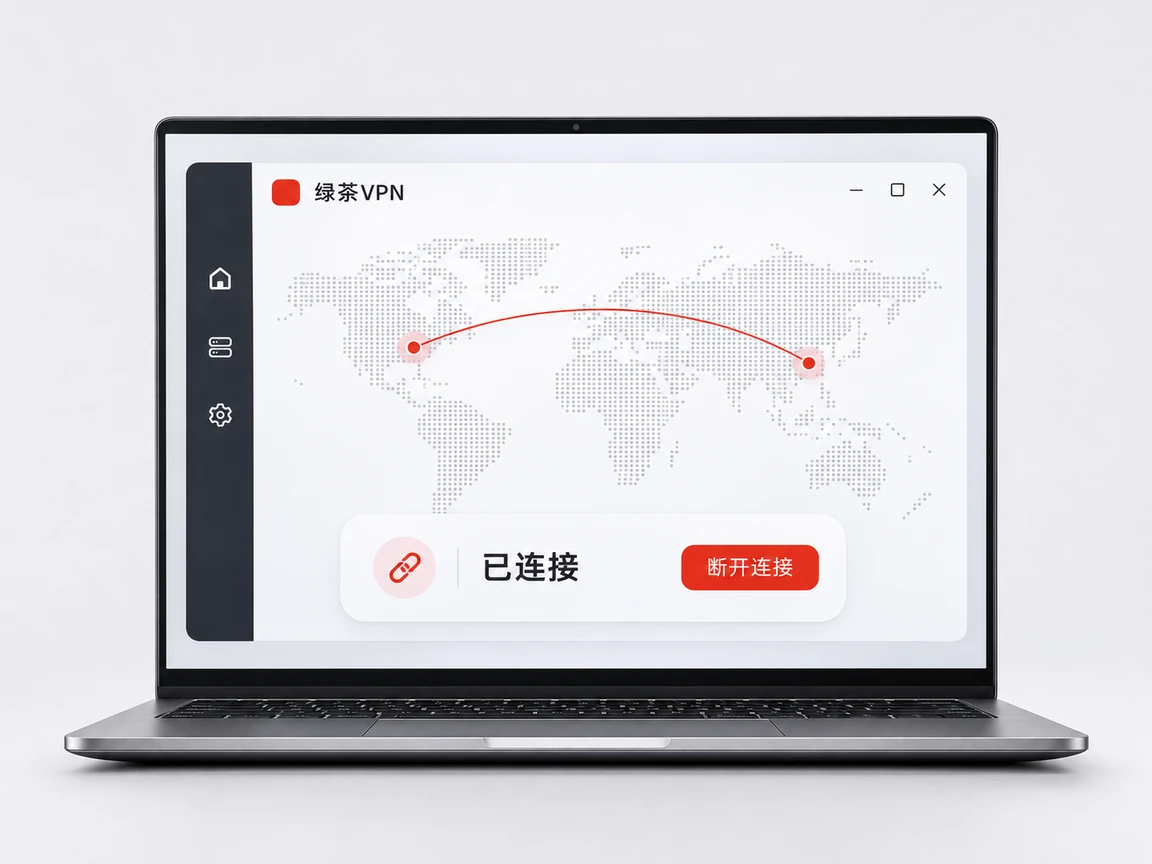
Install the Windows client in three steps
Get the installer
On a Windows 10 or 11 PC, select “Download for Windows” and save win.exe to Downloads.
Run the setup wizard
Verify the file name and source, open win.exe and follow the setup wizard.
Connect and check
Open the client, select an available route and connect. Visit a familiar website to check the connection.
Windows FAQ
Where is the EXE file?
Open the downloads list in your browser, find win.exe and choose to show it in its folder.
What should I do if Windows displays a security notice?
Check the publisher, file name and source. If you cannot verify the publisher, cancel setup and contact support.
What if the client installs but cannot connect?
Disconnect the VPN and check that the device can reach the internet. Check the system clock, reopen the client and try another route.