 Lvcha VPN

Lvcha VPN Download Center
 Lvcha VPN for macOS
- For Mac computers running macOS 12 or later.
- Access over 2,000 servers across more than 70 countries.
- Access content across regions.
- Connect without bandwidth or speed caps.
- Mask your public IP address to protect your online privacy.
Installer unavailable. Version and size are from the original listing.
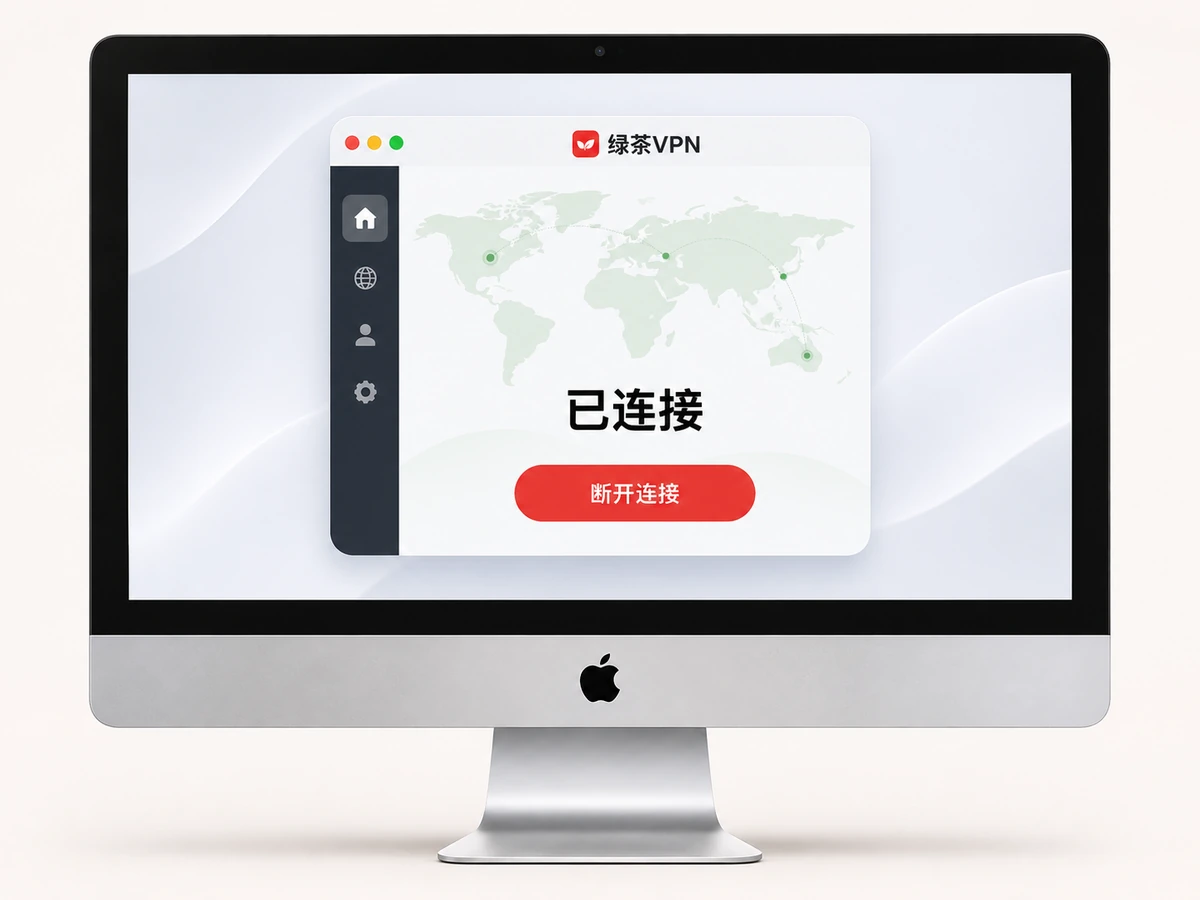
Install the macOS client in three steps
Check availability
The DMG is currently unavailable. Use the official downloads link on this page to check for updates.
Check the system and file
Once a build is available, check the macOS version in About This Mac and confirm that the build supports your chip.
Follow the disk image instructions
Open the official DMG and follow the instructions inside it. At first connection, review the requested VPN permissions.
macOS FAQ
Why is there no DMG download button?
The installer URL is currently unavailable. The listed release details and official download page remain available for reference.
How do I check the macOS version and chip?
Open About This Mac from the Apple menu. Check the macOS version and the Chip or Processor field.
What if the client installs but cannot connect?
Disconnect the VPN and check that the device can reach the internet. Check the system clock, reopen the client and try another route.