 Lvcha VPN

Lvcha VPN Download Center
 Lvcha VPN for iOS
- For iPhone and iPad running iOS or iPadOS 15 or later.
- Access over 2,000 servers across more than 70 countries.
- Access content across regions.
- Connect with stable speeds and no bandwidth cap.
- Mask your public IP address to protect your online privacy.
- Encrypt data in transit to protect your connection.
Installer unavailable. Version and size are from the original listing.
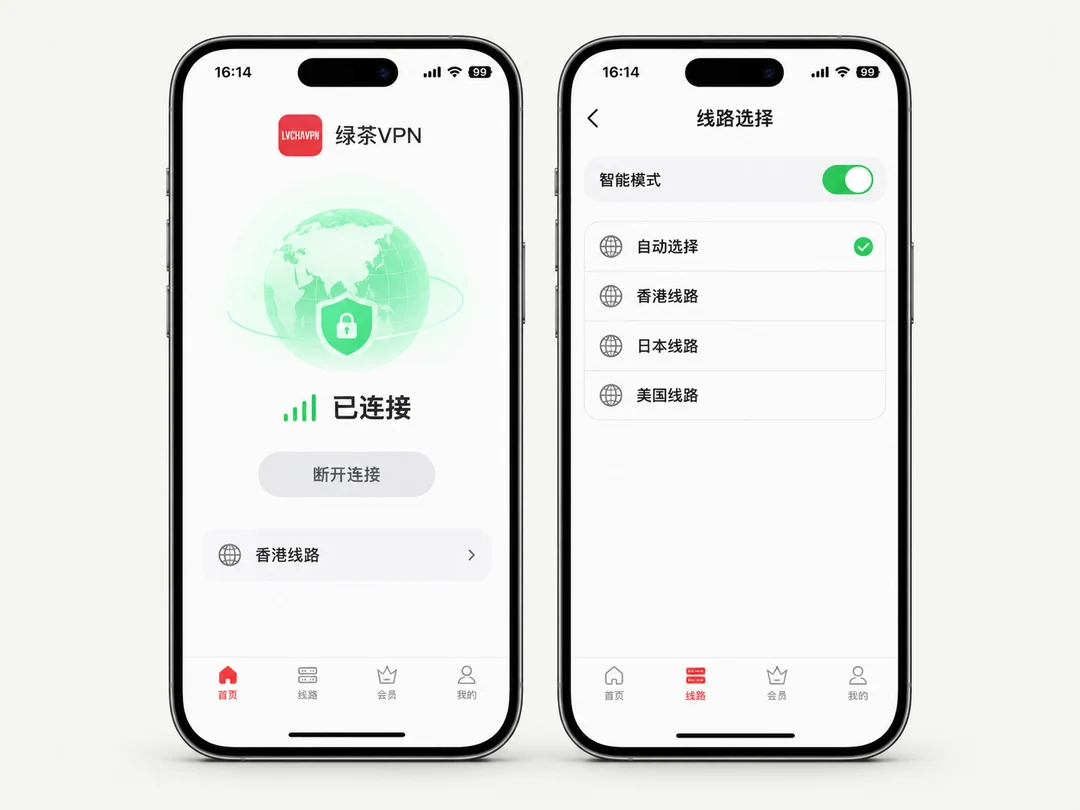
Install the iOS client in three steps
Scan to view downloads
Scan the code with the camera on your iPhone or iPad to open official download information. The IPA is currently unavailable.
Check the installation channel
When a release is available, check its system requirements and distribution channel at the official source. Follow that channel’s installation instructions.
Approve the first connection
After installation, open the app. Review the app name and details when the system asks to add a VPN configuration.
iOS FAQ
Why does the QR code open a web page?
The IPA link is unavailable. The code opens the official download page so you can check release information.
Where do I find my system version?
Go to Settings → General → About to check your iOS or iPadOS version. The listed requirement is version 15 or later.
How do I manage a saved VPN configuration?
Search for VPN in Settings, then select the saved configuration to review or disconnect it.