 Lvcha VPN


From the device to the VPN server
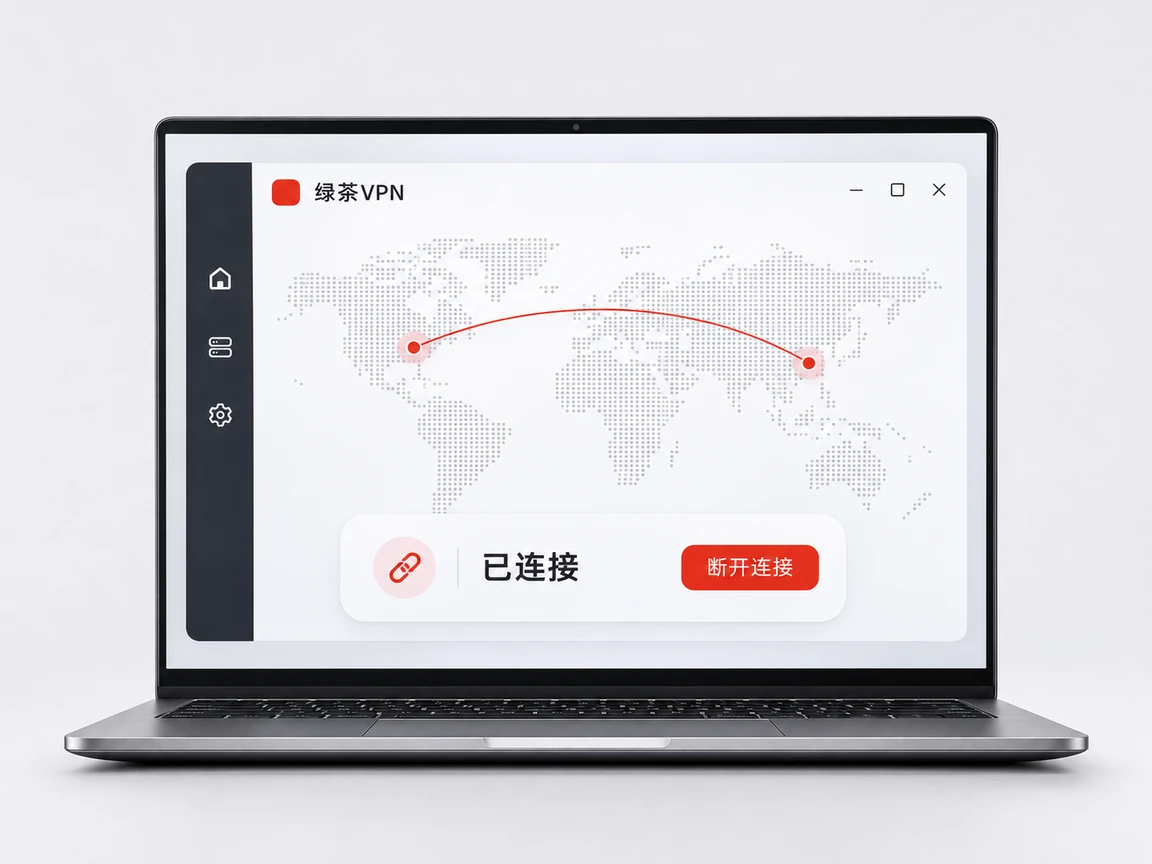
After connecting to the Wi-Fi in the café, the device continues to use the network of that café for internet access. Once the VPN is enabled, requests that are selected by the client’s routing rules will first go through an encrypted channel to reach the VPN server, and then the server will forward the requests to the target website. Which applications use this channel depends on the client’s settings.
Which address is shown on the website?
For requests sent through the channel, websites typically only see the outbound IP address of the VPN server. When the website switches to an outlet in another region, it may adjust the language or region settings accordingly. Logged-in accounts, saved language preferences, and browser cookies also affect the display of the page.
How to verify the connection on a public network
First, complete the web login process required by the public Wi-Fi. Then, connect to the VPN. Once the client indicates that it is connected, open a familiar HTTPS website using your regular browser. When accessing a service that requires login, be sure to verify the domain name and pay attention to any certificate prompts in the browser.

 Continue reading · Usage guideHow to compare two VPN routes using the same task